
- Visit https://business.facebook.com/settings while logged into your Facebook admin account.
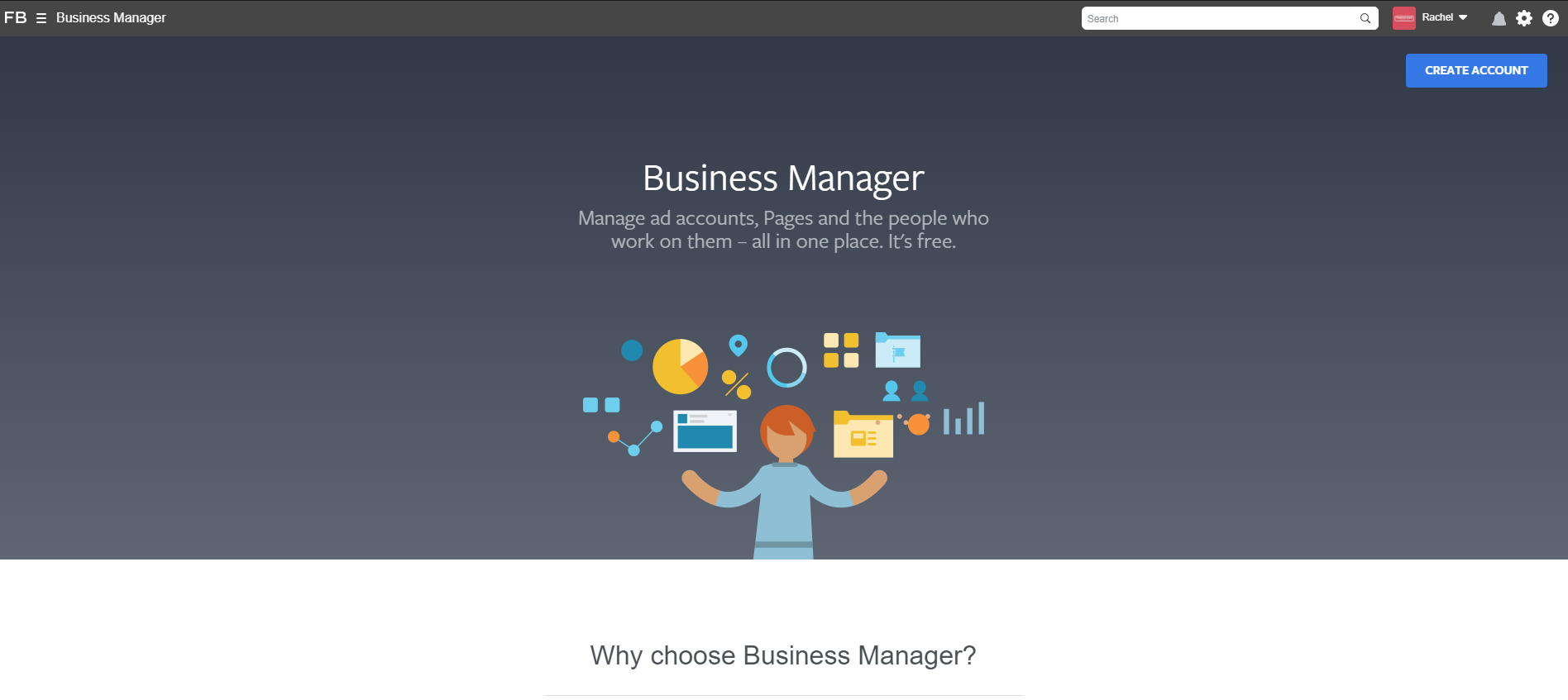
- If you are not immeditaely logged in, you will see the below screen which means you don’t have Business Manager configured. Click on ‘create account’ in the top right hand corner.
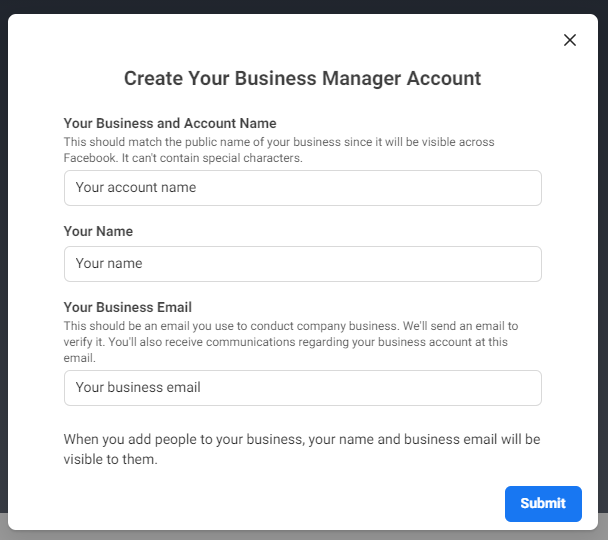
3. Fill in your business information and click ‘Submit.
4. You will be sent a confirmation email with a link to access your account.
5. Confirm your account and then refer to this article to add Threesides.